

Hey there,
I need to tell you about something that’s been quietly revolutionizing how I work.
You know I don’t get excited easily. I’ve tested 55+ productivity apps. Most get uninstalled within a month. A few stick around. And only a handful become indispensable.
Fabric just joined that elite group (with 3 years of paid commitment from myside)—and the recent updates are why.\
The Problem I Couldn’t Solve
For years, I’ve struggled with the same issue you probably face:
Information overload without information access.
I’d save articles, bookmark resources, take meeting notes, and capture ideas. But when I actually needed that information? Good luck finding it.
My workflow was scattered:
Meeting notes in Apple Notes/Tana
Research in Eden (a good option though)
Files in Google Drive
Tasks in Todoist
Voice memos in... wherever my phone decided to save them (Mostly Tana)
Every tool promised to be “the one.” None delivered.
Then Fabric released updates that changed everything.
What’s New (And Why You Should Care)
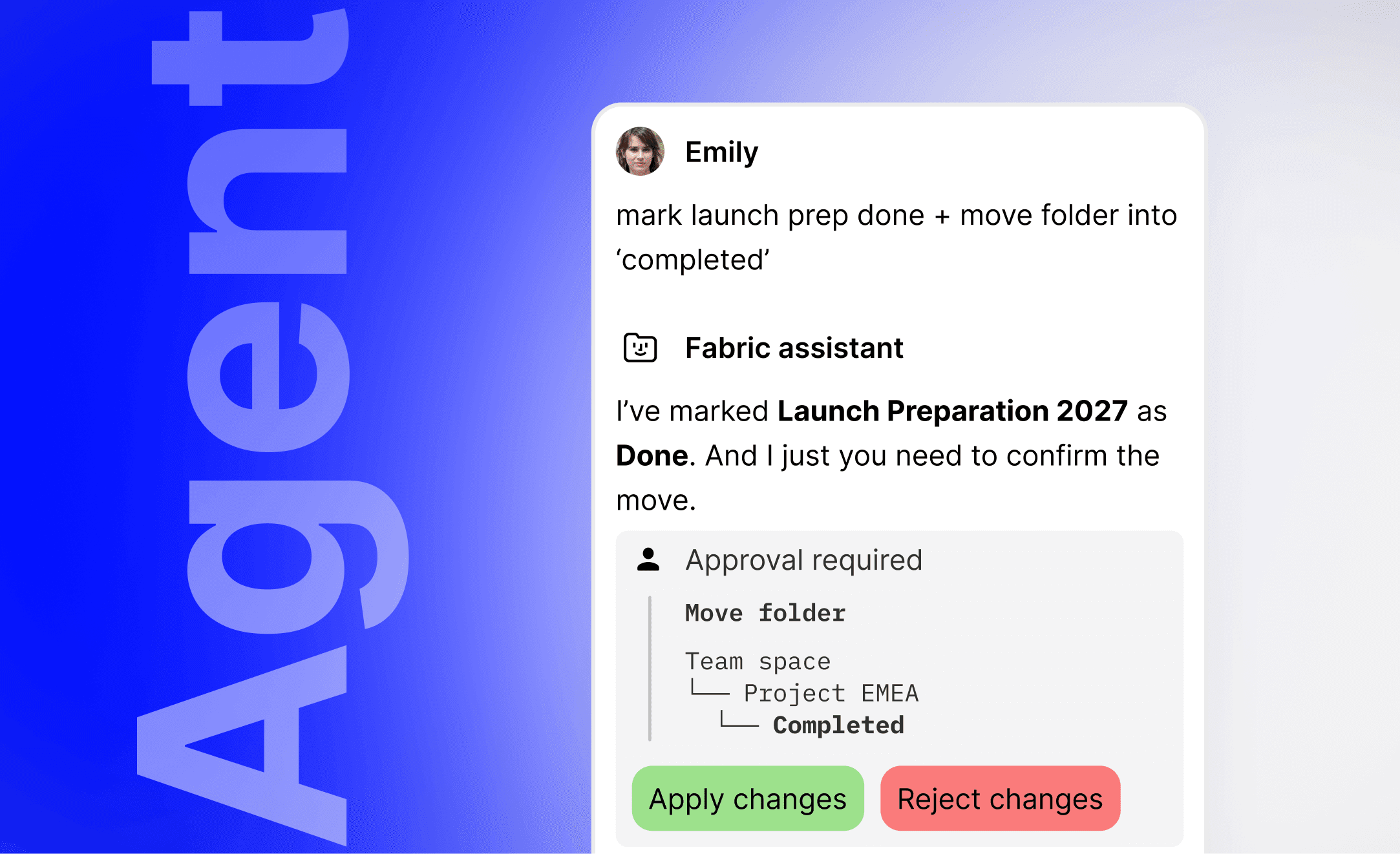
1. Fabric Agent: AI That Actually Does Things
Forget chatbots that just answer questions. The Fabric Agent takes action:
Moves and renames files
Adds tags automatically
Creates and edits notes
Deletes items you don’t need
Real-world impact: I used to spend 15 minutes every morning organizing captures from the previous day. Now I tell the Agent, “Organize yesterday’s meeting notes by project,” and it’s done in 10 seconds.
This is the difference between AI theater and AI utility.
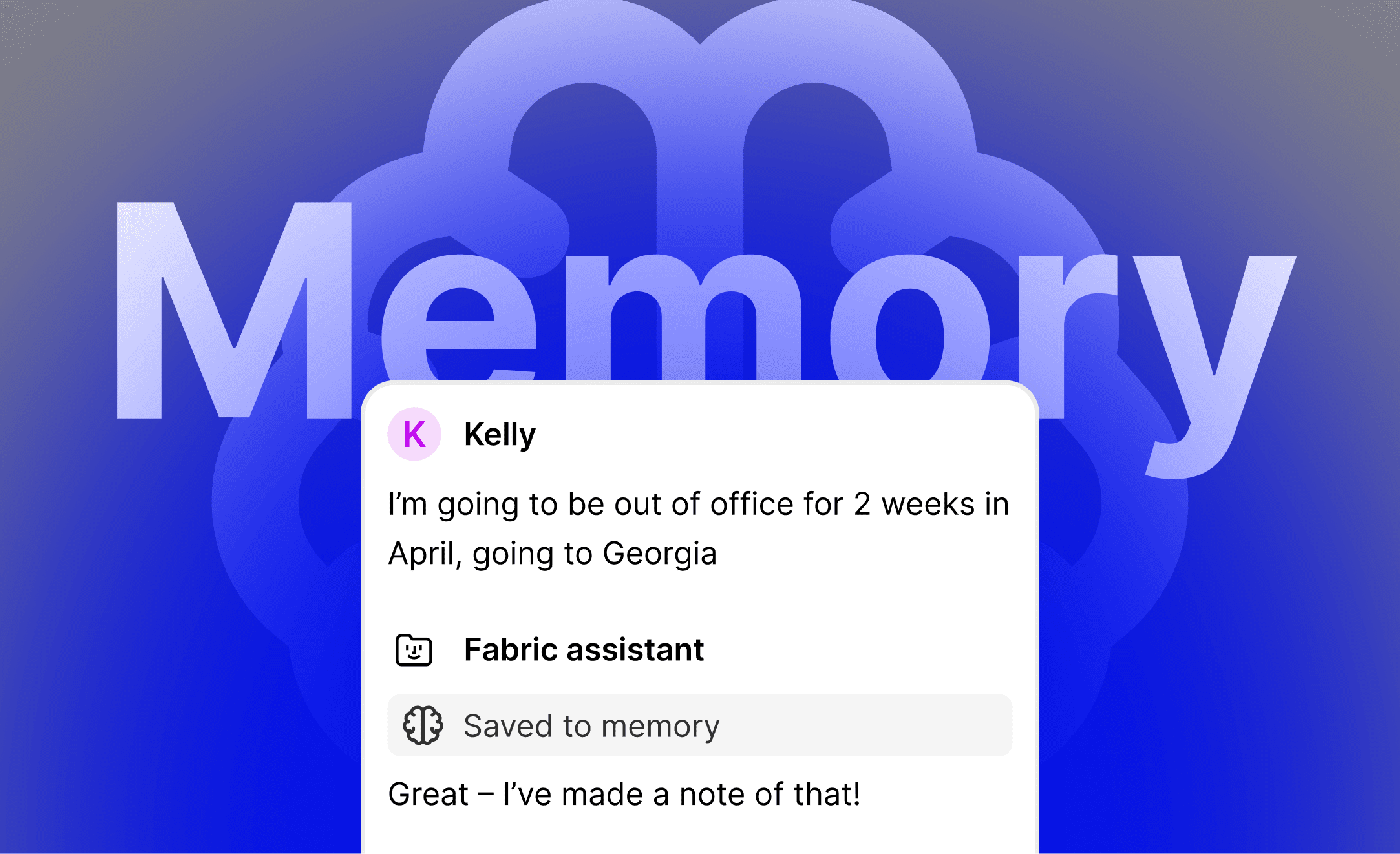
2. Fabric Memory: An AI That Learns You
The Agent now creates “memories” based on your work patterns and preferences.
Tell it once that you prefer summaries in bullet points? It remembers. Mention a project deadline? It tracks it. Share how you organize files? It applies that going forward.
The kicker: You can tell it to forget things too. Privacy meets personalization.
How I use it: I told Fabric I’m writing a newsletter for sales managers and field operators. Now every summary, every idea generation, every research output is automatically tailored to that audience.
No more generic AI responses. Just relevant, contextualized intelligence.
3. Assistant Web Search: Real-Time Intelligence
The Assistant can now search the web, fetch results, and analyze them—all inside your workspace.
Example: I was researching competitor features for a blog post. Instead of opening 15 tabs, I asked Fabric: “Research the latest updates from Notion and Capacities.”
It pulled the data, summarized it, and saved it to my workspace. Five minutes. Done.
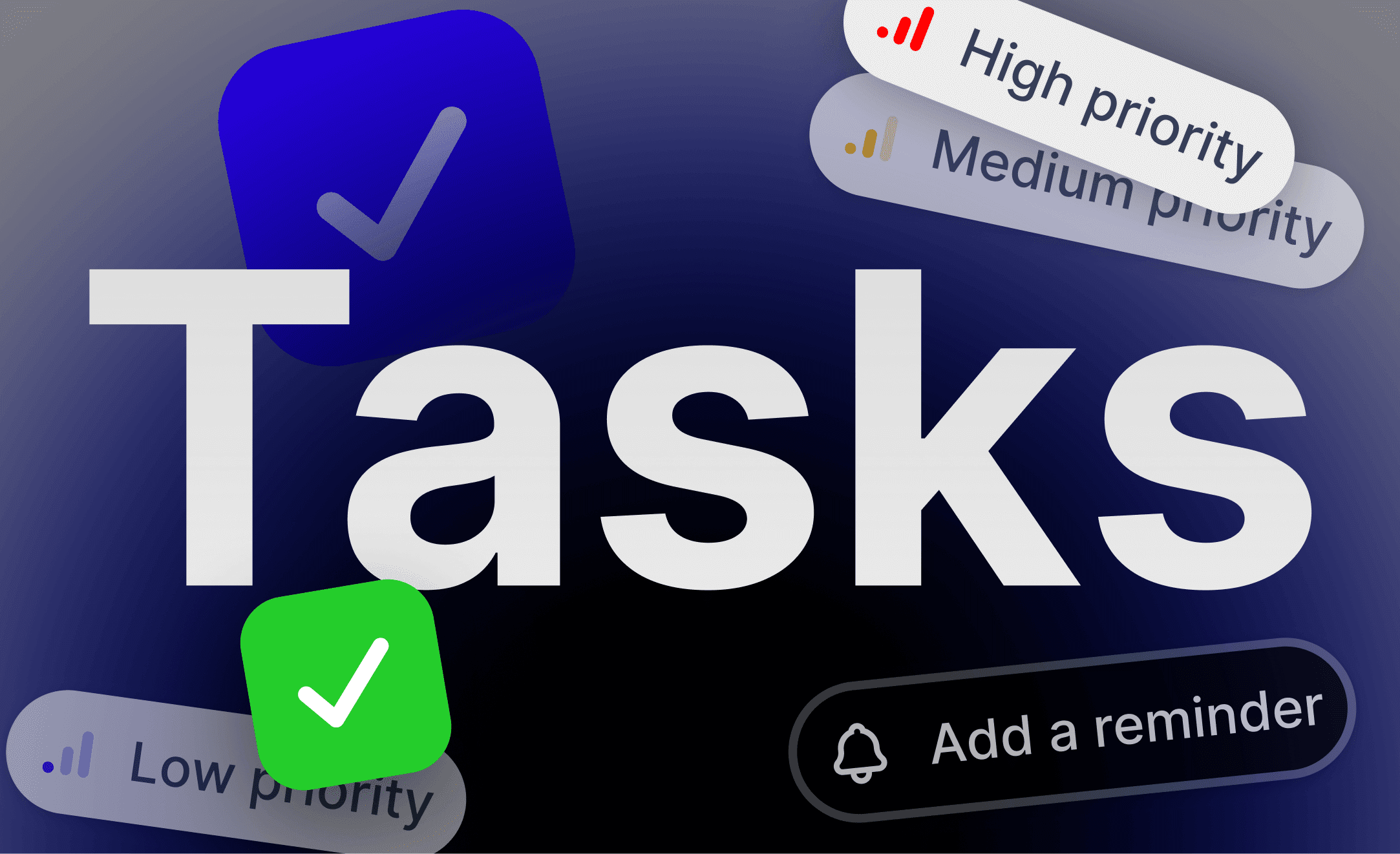
4. Tasks: Action Meets Context
You can now create tasks in Fabric with:
Due dates and reminders
Priority levels
Connected files and folders
The workflow shift: I’m reviewing a contract PDF. I spot three action items. I create tasks, link the PDF, and set reminders—all without leaving Fabric.
When the reminder hits, I have instant context. No more “What was this about again?”
5. Meeting Notes 2.0: The Feature I Didn’t Know I Needed
This is where Fabric becomes indispensable:
Real-time transcription as the meeting happens
Search conversations during the meeting (find that stat someone mentioned 20 minutes ago)
Instant post-meeting summaries with customizable templates
Add notes before, during, and after—all incorporated into the AI summary
My workflow:
Prep meeting notes with agenda items
Fabric transcribes the conversation in real-time
I add follow-up thoughts after
AI generates a summary that includes prep, transcript, and my notes
One document. Complete context. Zero manual work.
6. New Desktop UI: Faster, Cleaner, Smarter
The interface got a complete redesign:
Minimal aesthetic that reduces clutter
Assistant opens alongside your library
Contextual actions right where you need them
Faster file launching and note creation
What I noticed: The old UI felt like a tool. The new one feels like an extension of my thinking.
7. @Mentions: Collaboration Without Chaos
Tag teammates in comments on files or folders. They get in-app notifications.
For teams: This turns Fabric from a personal workspace into a collaborative hub. Review a proposal, @mention your colleague, keep the conversation attached to the work.
8. Bin and Recovery: Peace of Mind
Deleted items go to a bin for 30 days. Accidentally deleted something? Recover it instantly.
Why it matters: I’m more willing to delete aggressively now, knowing I have a safety net.
Why This Matters
Here’s what separates Fabric from every other productivity app I’ve tested:
It doesn’t just store information—it makes information useful.
Most apps are digital filing cabinets. Fabric is a thinking partner.
The Agent doesn’t just answer questions—it takes action.
The Memory feature doesn’t just recall facts—it learns your preferences.
The Meeting Notes don’t just transcribe—they synthesize.
This is what I’ve been searching for: a tool that reduces friction between capturing information and using it.
The Test
I have one test for every productivity app:
If it disappeared tomorrow, would I panic?
For Fabric, the answer is yes.
It’s where I:
Capture meeting notes and voice memos
Store research and articles
Organize project files
Create tasks with full context
Collaborate with my team
And now, with the Agent, Memory, and Web Search, it’s where I think and act—not just store.
And yes, the app (iOS & Android) both are usable and I use all the time on the go for idea capture and creation both.
Should You Try It?
You’ll love Fabric if you:
Attend multiple meetings daily
Collect research but struggle to find it later
Want AI that does things instead of just talking
Need a unified workspace for tasks, files, notes, and conversations
You might want to wait if you:
Prefer highly structured, database-driven tools (like Notion)
Need advanced project management features
Work primarily offline
Final Thoughts
I’ve written four blog posts about Fabric. I’m an affiliate. I’ve tested it for months.
And I can say this without hesitation:
Fabric isn’t just another app. It’s the workspace I didn’t know I needed—until I couldn’t work without it.
If you’re drowning in information but starving for insight, give it a try.
👉 Try Fabric here (affiliate link—I earn a small commission if you subscribe, at no extra cost to you)
What’s your biggest challenge with managing digital information? Hit reply—I read every response.
Until next time,
Kaushik—SystemsAndFlow
P.S. If you found this helpful, forward it to someone who’s drowning in digital clutter. They’ll thank you.