

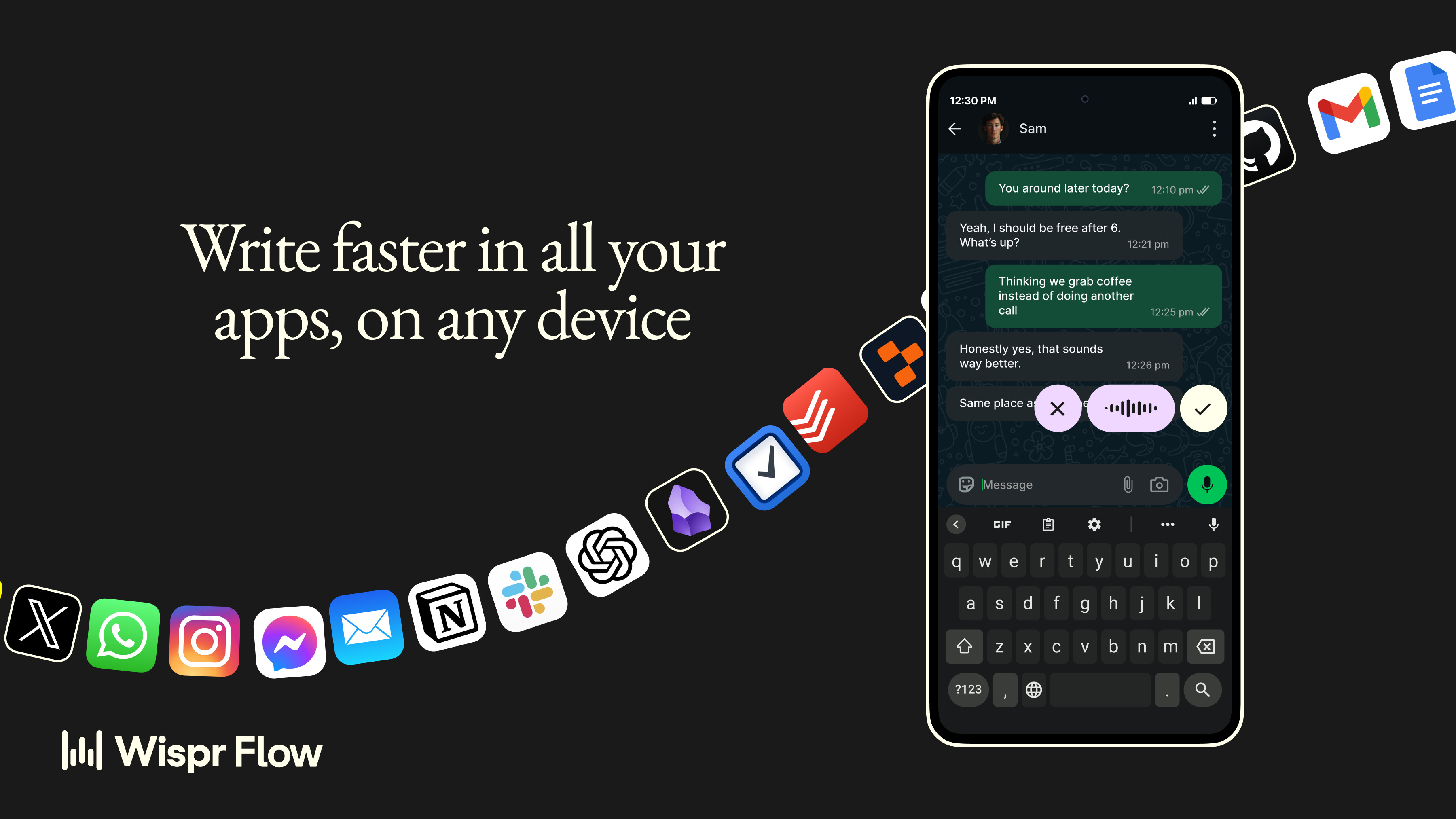
Something I didn’t expect when I started using Wispr Flow: the biggest change wasn’t speed.
It was that I stopped second-guessing what I was going to write before I wrote it. When you’re typing, there’s this low-grade friction between the thought and the text — you kind of pre-edit in your head as your fingers move. Speaking removes that. You think out loud, and something reasonably close to what you meant actually appears.
I’ve tried voice dictation tools before. My experience with all of them was the same: impressive for ten minutes, abandoned by Tuesday. Too many corrections, too many places. Too many “um”s in my Slack messages. The gap between what I said and what I meant to say was always too wide to make it worth it.
Wispr Flow closed that gap enough that I kept going.
What makes it different
It’s not just transcription. Flow edits while you speak — catches filler words, understands when you change your mind mid-sentence, formats lists, adds punctuation from context. The output is the clean version, not the raw one.
It also works in every app without switching modes. Gmail, Notion, WhatsApp, Cursor — same experience everywhere. I stopped thinking about whether it would work and just used it. That’s a bigger deal than it sounds.
The personalization adds up too. Correct a word once, it’s remembered. Add your industry terms, your product names, your acronyms. Set up a snippet — say a short cue and Flow pastes the full text. I have one for my calendar link and one for my email sign-off. Tiny thing, genuinely useful.
For those of us in India: Flow recently shipped a Hinglish model. The first voice tool that actually handles code-switching between Hindi and English the way we actually speak, not the way we’d speak if we were trying to be transcribed. I tested it. It works. I didn’t think it would, and it did.
The Android news
Flow launched fully on Android in February — not a watered-down version, the real thing. Floats above every app, no keyboard toggling, same accuracy as desktop. Android users get unlimited free dictation for now while they’re rolling it out. If you’ve been on the waitlist, it’s your moment.
Whether it’s worth paying for
The free plan is real — 2,000 words a week on desktop, unlimited on Android. Enough to actually test it, not just demo it.
Pro is $12/month billed annually. Unlimited words, command editing, team features. The 14-day trial is free with no card required, which is the honest way to sell something you believe in. It’s 320 Rs a month in India (annual plan).
I’m an affiliate, so full transparency: I get a small commission if you sign up through my link. I was a paying user first. That order matters to me — I don’t recommend things I haven’t actually used and kept.
As always — if you try it, I’d genuinely like to know what you think. Hit reply.
— Kaushik
You’re reading Systems & Flow — a weekly letter on productivity systems that actually hold up in the real world. No fluff. Just what works.
Disclosure: This issue contains an affiliate link. I only recommend tools I use and pay for myself.