

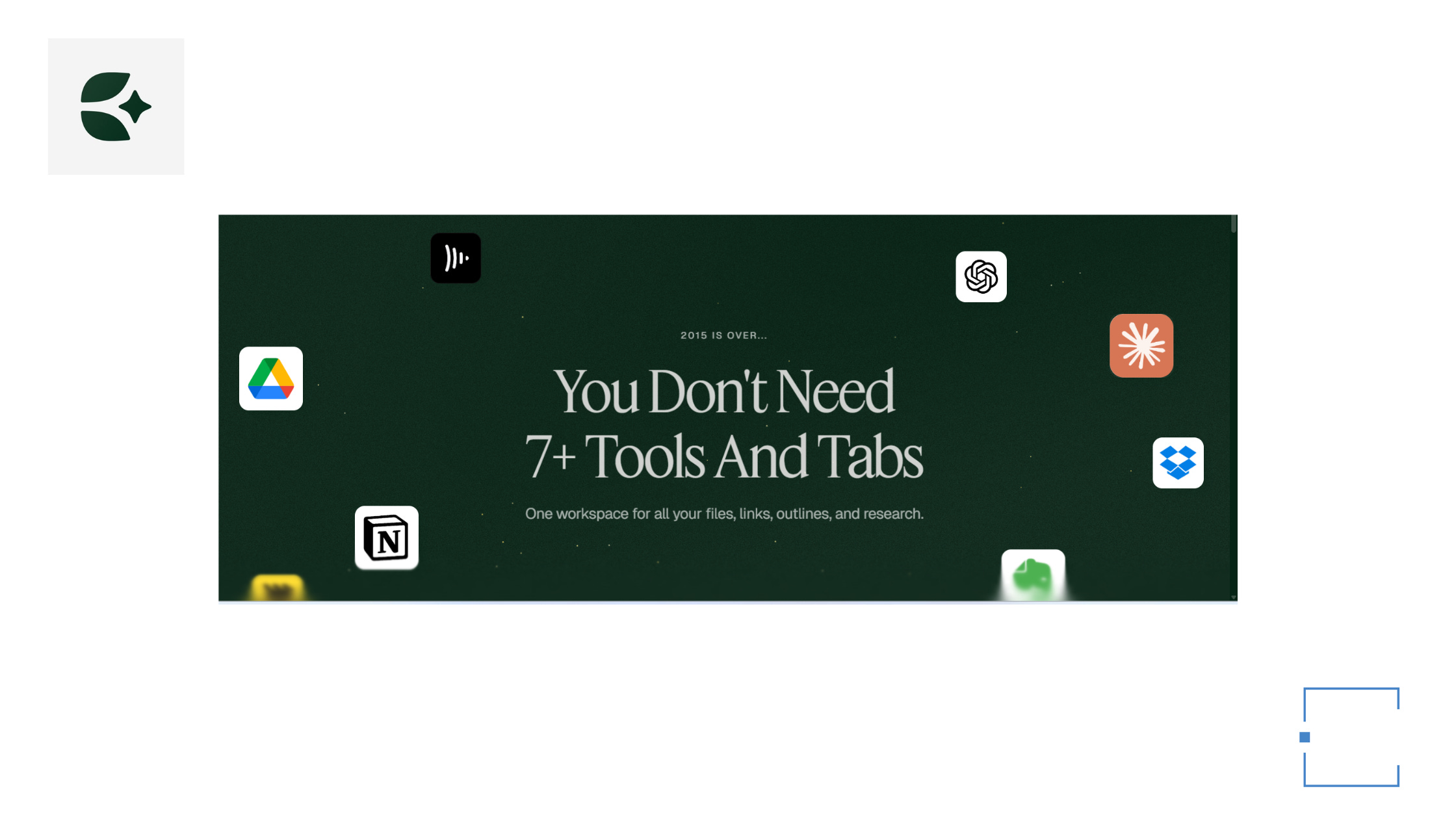
The search for the perfect creative workspace feels like a never-ending cycle. I’ve cycled through note-taking apps, project management tools, and writing platforms — each promising to be the “one place for everything,” yet each eventually becoming another tab I forget to close.
Then I discovered Eden (Yes, after using Kortex extensively till the day I can on-board Eden)
What started as a casual exploration quickly became something more significant. Eden isn’t trying to be another all-in-one productivity suite. It’s deliberately designed for how creatives actually work — and that’s exactly what makes it different.
What Eden Gets Right
A Workspace That Respects Your Flow
Most productivity tools force you into their structure. Eden adapts to yours. The multi-pane interface lets you work on multiple documents simultaneously — draft a blog post in one pane while referencing research in another, without the cognitive whiplash of constant tab-switching.
For content creators juggling multiple projects, this isn’t just convenient — it’s transformative. I can keep my editorial calendar visible while drafting posts, or have client briefs open alongside my work in progress.
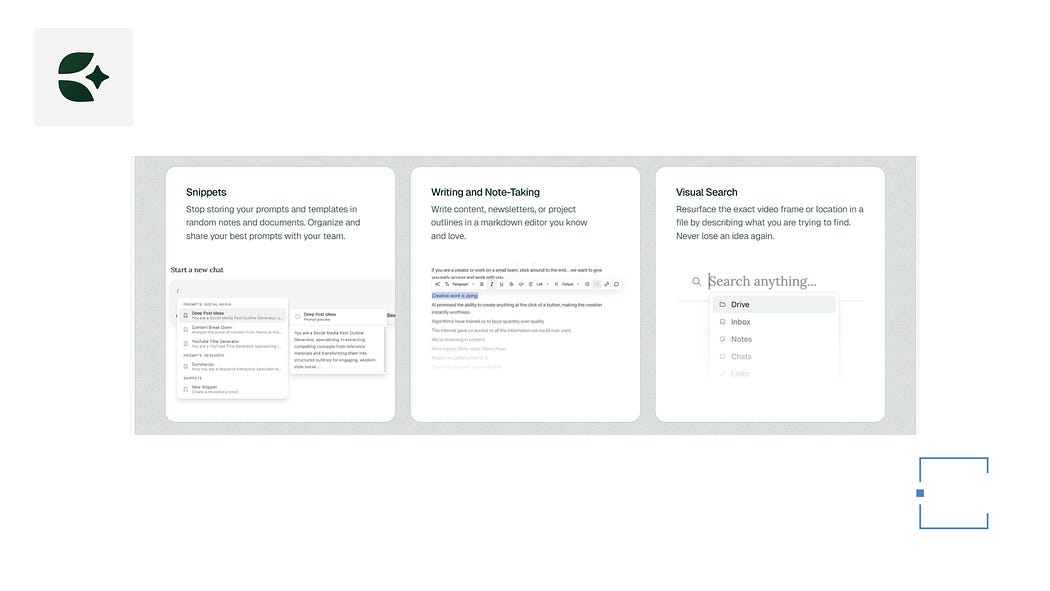
Features: Eden
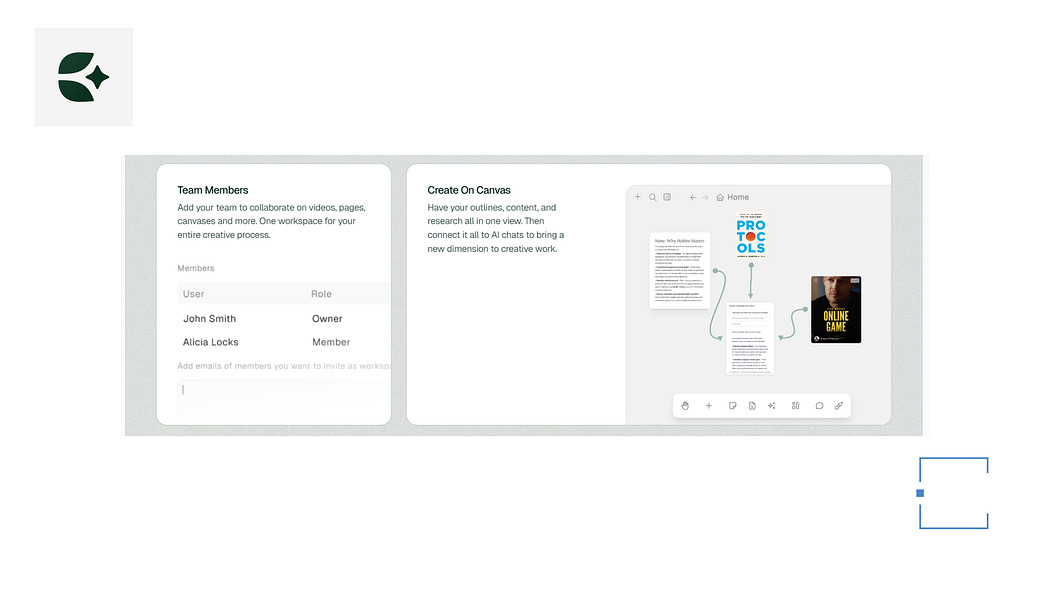
Features: Eden
AI That Feels Like a Creative Partner, Not a Replacement
We’ve all experienced AI features that feel bolted on — impressive demos that rarely make it into actual workflow. Eden’s AI integration is different. It’s embedded from the ground up, designed to amplify your creative process rather than replace it.
The Snippets feature lets you template frequently-used prompts and content blocks. For someone who writes regularly, this means less time formatting and more time creating. The AI assists without getting in the way — suggesting when helpful, silent when not.
Visual Thinking, Seamlessly Integrated
Creatives don’t think linearly (I think I am one of them). Ideas emerge as webs, clusters, and sudden connections. Eden’s integrated whiteboard acknowledges this reality. You can brainstorm visually, map out content structures, or sketch concepts without leaving your workspace.
For business executives planning strategy or content creators mapping editorial calendars, this visual layer bridges the gap between ideation and execution. No more copying ideas from a separate whiteboard app into your documents.
Everything in One Place, Finally
Eden handles notes, images, videos, and links natively. Import a YouTube video for reference, embed images directly into your drafts, or save web links with context. Your research lives alongside your creation, not in a separate browser tab you’ll never find again.
The interface remains responsive and quick — no laggy loading, no spinning wheels when you’re trying to capture a fleeting idea. In my experience, this responsiveness is rare. Most “all-in-one” tools sacrifice speed for features. Eden doesn’t.
I have just started getting into the new features; Projects. The idea is to use workspace be the place I store files and let projects be the place I do the work.
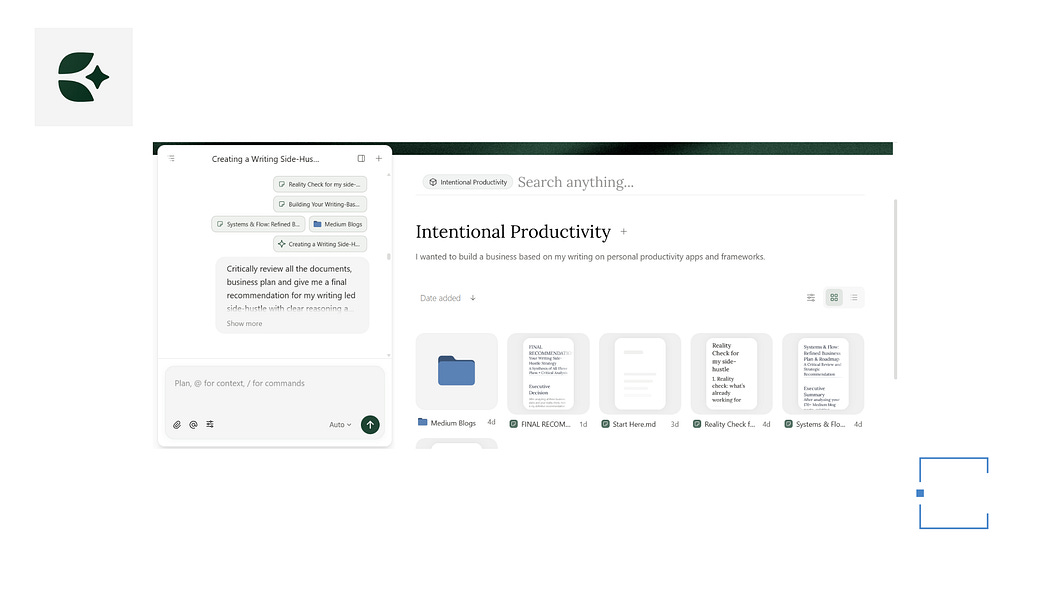
Projects: Eden
Who Eden Is For
Eden isn’t trying to be everything to everyone — and that’s its strength.
Perfect for:
Content creators who need to research, draft, and organize in one fluid workflow
Writers who want AI assistance without losing their voice
Solo business owners managing multiple projects and client work
Executives who think visually and need quick access to diverse information types
Anyone tired of app-hopping between notes, tasks, whiteboards, and documents
Consider alternatives if:
You need heavy-duty project management with Gantt charts and resource allocation
You prefer rigid, structured workflows over flexible, non-linear creation
You want a tool focused purely on one function (just writing, just whiteboarding)
The Bottom Line
After testing dozens of productivity and creative tools, I’ve developed a simple litmus test: Does this tool get out of my way and let me do my best work?
Eden passes that test.
It’s not perfect — no tool is. It’s currently in private beta, and some features are still evolving. But what’s there already demonstrates a clear vision: a workspace designed for how creatives actually think and work, not how productivity gurus say we should.
The transition from Kortex (Eden’s predecessor) was seamless. Within a day, I had moved my content over and was working productively. Now, weeks later, Eden has become my single source of truth — the place where ideas become drafts, research becomes content, and scattered thoughts become cohesive projects.
If you’re a content creator, writer, or solo business owner searching for a tool that doesn’t just store your work but amplifies it, Eden deserves your attention.
Join the waitlist. When you get access, move your content in. Give it a genuine try — not just a surface-level exploration, but a real workflow test.
Pricing: Accessible for Every Creative
Eden offers flexible pricing to match where you are in your creative journey:
Free Plan: Perfect for getting started and exploring what Eden offers. Try it out, see if it fits your workflow, and experience the interface before committing.
Starter — $14/month: Ideal for individual creatives who want more power and features as they build their practice.
Creator — $29/month: Built for individual creators and small teams who are serious about their content creation and need robust collaboration features.
Pro — $83/month: For individuals and teams who need the full power of Eden for professional content creation at scale.
You might just find, as I did, that you’ve finally arrived home.
What’s your biggest frustration with your current creative workspace? Are you still app-hopping between notes, drafts, and whiteboards? Share your experience in the comments — I’d love to hear how others are solving (or struggling with) this challenge.
— Astu