

I’ve used both. I paid for both. And I still had to pick one. Here’s the honest truth about which one actually works — and why my answer might surprise you.
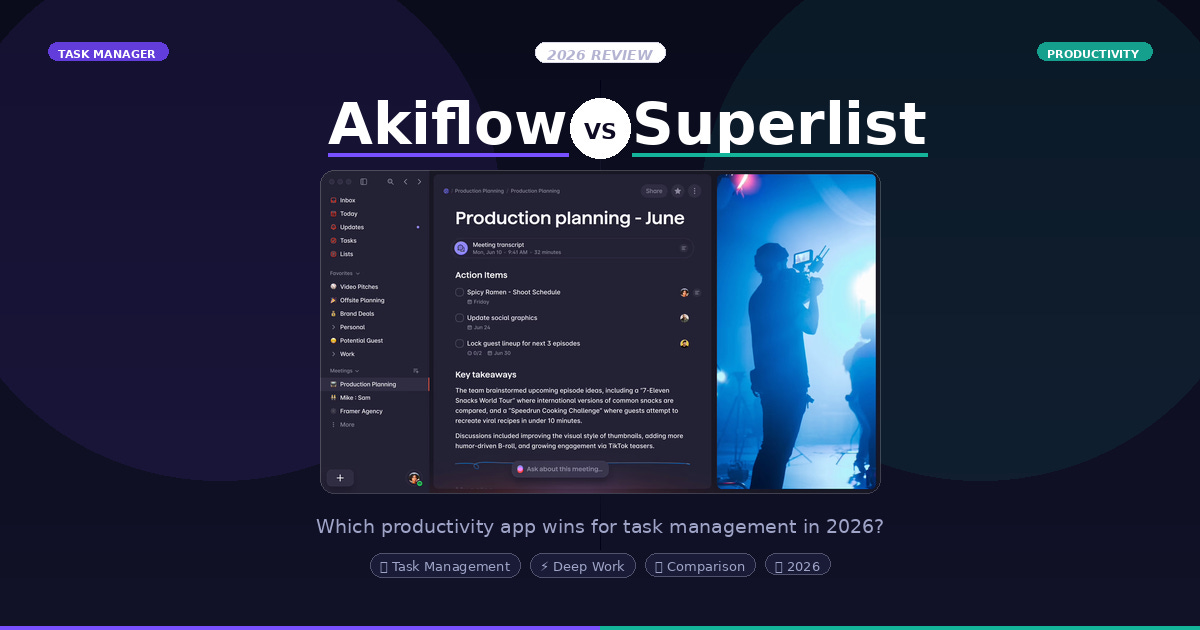
Let me set the scene.
It’s 8:30 AM. You have twelve tasks staring at you, three meetings before noon, and a Slack thread that somehow became a project. You open your productivity app. What happens next determines whether you actually get things done — or spend the next 20 minutes organizing things to get done.
That’s the real test. Not the feature list. Not the AI demo on YouTube. The 8:30 AM test.
I’ve put both Akiflow and Superlist through that test — repeatedly. And in 2026, with AI now baked into both of them, the gap between these two tools has never been more interesting.
A Quick Word Before We Start
Disclosure: This post contains affiliate links for both Akiflow and Superlist. If you click and sign up, I may earn a small commission — at no extra cost to you. I only recommend tools I’ve genuinely used and believe in. My opinions remain my own.
The Two Tools, in Plain English
Before we go deeper, here’s the honest framing:
Akiflow is a power planner — built for people who want their calendar, tasks, and AI all talking to each other, in one consolidated command center. It’s the tool for the executive mindset: “Show me everything. Help me prioritize. Block my time.”
Superlist is a fast, clean, beautifully intuitive task manager — built for people who just want to move. It has AI too, but the soul of Superlist is speed and clarity. It gets out of your way.
I use Superlist. But here’s the thing — I completely understand why you might choose Akiflow.
My Experience with Akiflow
I first wrote about Akiflow a while back and called it a crucial tool for mastering daily life. That still holds.
What Akiflow does exceptionally well is consolidation. If your day involves juggling Google Calendar, multiple projects, deep work blocks, and integrations across tools like Notion, Todoist, or Trello — Akiflow brings all of that under one roof. You don’t have to context-switch. Everything is right there.
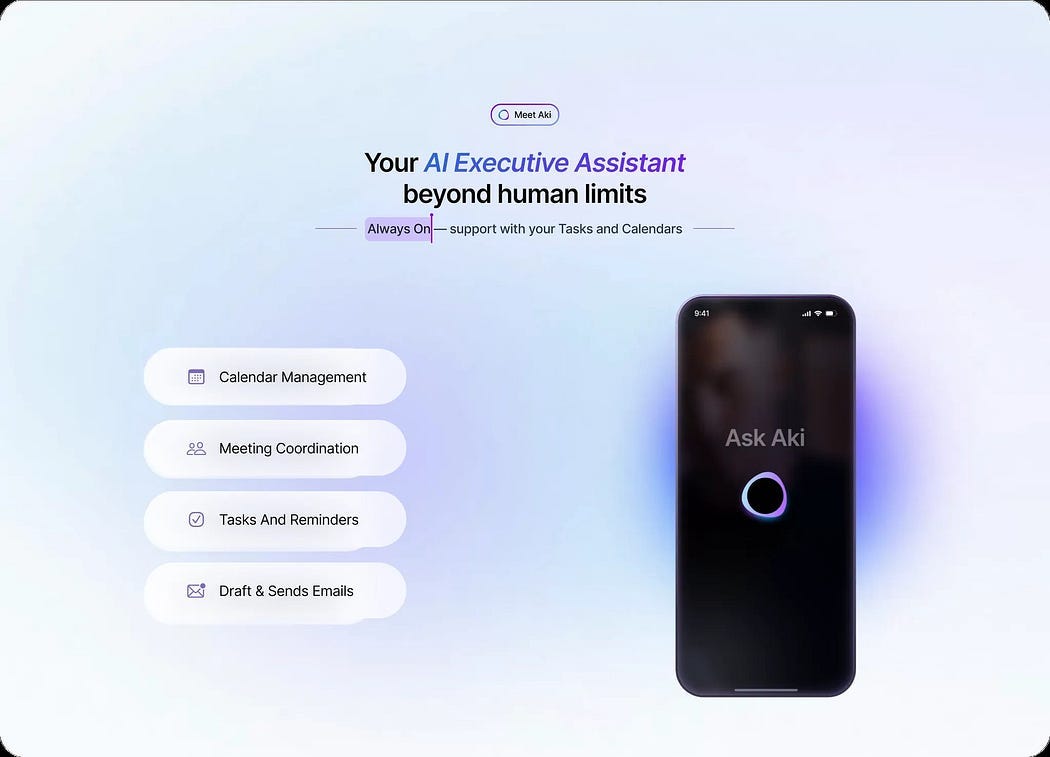
Image Courtesy: Akiflow
Time blocking on Akiflow is genuinely great. You can drag tasks right onto your calendar, visually plan your entire week, and it just sticks. There’s a satisfying sense of control when your day looks structured and intentional.
And then there’s Aki — the AI assistant inside Akiflow. In 2026, Aki has grown beyond a gimmick. You can ask it things like:
“Aki, plan my week and highlight any conflicts with my critical meetings.”
It will give you a proactive morning summary, flag scheduling conflicts, help reschedule tasks in natural language, and even automate recurring routines. It’s like having a very well-organized, very tireless assistant who lives inside your calendar.
One feature worth calling out specifically: Akiflow’s Meeting Assistant. Before a meeting, it surfaces relevant tasks and context so you walk in prepared. After, it helps you capture notes and automatically turns them into action items — correctly dated, linked to the right project. If you’re someone whose day is dominated by back-to-back meetings, this is genuinely valuable.
I genuinely liked the daily planning and review structure inside Akiflow. The analytics, the focus mode, the reporting — for the right person, this is a powerful setup.
But here’s where I started to feel the friction.
The power of Akiflow requires you to think in its system. Time blocking works best when you commit to it. The integrations reward you only when your workflow is complex enough to justify them. If you live in your calendar and thrive on structure, this is a dream. If you just want to get tasks done quickly on the go — the overhead starts to feel like work.
My Experience with Superlist
I’ve been on Superlist for a while now, and the relationship has only gotten better.
Let me be direct: I didn’t choose Superlist because of the AI. The AI features are good — Voice AI that turns spoken thoughts into tasks, meeting notes that generate action items automatically. Genuinely useful stuff. But that’s not why I’m here.
I chose Superlist because of how it feels to use it.
Opening Superlist is fast. Adding a task is fast. Moving through my lists is fast. There’s no learning curve taxation every time I open the app. It just... works. And for someone who already has a project management layer (I use Coda for that) and a separate writing and notes environment (Obsidian), I don’t need my task manager to be clever. I need it to be quick and dependable.
The design is clean and intuitive in a way that makes you want to capture things. You know that feeling when an app just clicks? That’s Superlist for me.
After 20+ months with it across updates, Superlist has become the task layer I trust — not because it impresses me, but because it never gets in my way.
Here’s the thing I keep coming back to: Superlist gives you a space to drop ideas and notes directly inside the task itself. Not in a linked document. Not in a sidebar. Right there, living alongside the task. Instead of a bare to-do item, each task can carry its own context — rough ideas, quick thoughts, links, fragments of thinking. It becomes a container, not just a checkbox. That combination of speed + aesthetics + depth inside the task is genuinely rare.
The Voice AI is genuinely one of the better implementations I’ve tried — you talk, it creates structured tasks with context and intent intact. And the Meeting Notes feature works better than I expected. You get a dedicated space to capture your meeting, and Superlist automatically extracts action items and turns them into tasks. No copy-pasting, no reformatting.
But my personal answer is simpler: Superlist fits my use case, my speed, and my existing system. And that matters more than any feature list.
Head-to-Head: Where They Actually Differ
Speed of use: Superlist wins. No contest.
Consolidated view + calendar integration: Akiflow wins. It’s built for this.
AI assistance for planning: Akiflow’s Aki is more proactive and contextual. Superlist’s AI is more reactive and task-focused.
Meeting assistance: Both have this — but they approach it differently. Akiflow’s Meeting Assistant is deeply integrated with your calendar and task system. Superlist’s Meeting Notes is simpler and faster. If meetings run your day, Akiflow is more comprehensive. If you just want to get out of a meeting without losing anything, Superlist handles it beautifully.
Notes and context inside tasks: Superlist wins here. The depth-inside-the-task approach is a real differentiator.
Design and feel: Both are excellent — but they appeal to different aesthetics. Akiflow feels like a command center. Superlist feels like a clean notepad that thinks.
Cross-platform: Superlist has the edge for mobile-first users.
Learning curve: Superlist is almost zero. Akiflow rewards investment but asks for it upfront.
Integrations: Akiflow is built around integrations. Superlist has them, but it’s not the core pitch.
Best For
Akiflow is best for:
Professionals and executives who want everything in one place — tasks, calendar, meetings, priorities
People who live by time blocking and want to visually own their week
Anyone who wants AI to proactively help them plan — not just assist, but suggest, restructure, and flag
Teams with complex workflows across multiple tools (Notion, Trello, Google Calendar, Outlook)
Meeting-heavy professionals who need pre-meeting context and seamless post-meeting follow-through
People willing to invest time into the system to get maximum return
Superlist is best for:
People who value speed, simplicity, and a clean interface above all else
Anyone who wants a task manager that doesn’t require a setup ritual
Individuals who already have a project system and need a fast, reliable task layer
People who want to capture ideas and context directly inside their tasks
Mobile-forward users who want seamless cross-platform experience
People who want AI as a quiet enhancement — not the centerpiece of the tool
So, Which One Should You Choose?
Here’s my honest advice.
If your day is calendar-heavy, if you’re managing multiple priorities across tools, and if the idea of an AI that proactively plans your week genuinely excites you — go with Akiflow. The consolidated view alone is worth it. And Aki, in 2026, is genuinely impressive.
If you’re someone who just wants to capture, organize, and move — without the overhead of a full planning system — Superlist is your answer. It’s the tool that respects your time before you even open it.
The best productivity tool isn’t the one with the most features. It’s the one you actually open at 8:30 AM and use without thinking.
For me, that’s Superlist. Every single day.
Thanks for reading.
Until next time, Kaushik
I write about personal productivity systems, tools, and workflows at SystemsAndFlow. If you’ve been through your own app-hopping journey, I’d love to hear where you landed.
If you’re the kind of person who reads a comparison, in-depth review like this before committing to a tool — this newsletter is for you.
Systems & Flow is a weekly deep-dive into productivity systems that actually work in the real world. App reviews, tool comparisons, and practical frameworks built from 20 years in industrial sales. No fluff. No generic advice.
→ Subscribe here — one email a week, worth the read.