

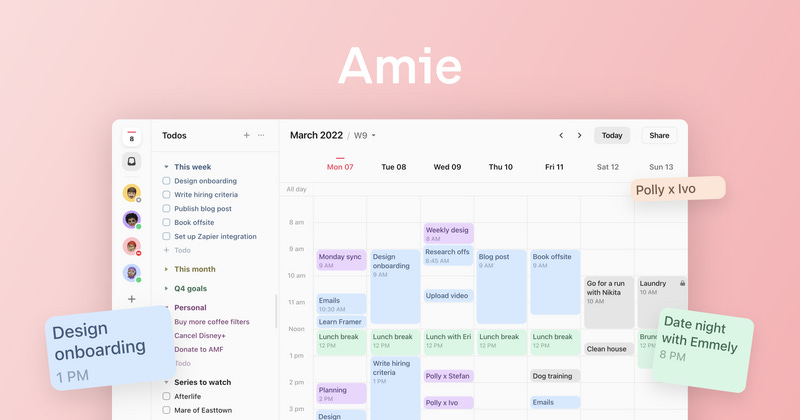
Lately, I am taking calendar pretty seriously.
Reason — I want to be more productive and mindful.
Being said that, I have limited experience of using 3rd party Calendar apps; happen to use Fantastical and Calendars 5 for some time and that was pleasant yet incomplete experience. I am limited with iPhone & iPad usage for my personal things and my main work screen is Windows laptop and hence the experience was not complete.
After this initial affair with 2 of the best Calendar apps from iOS universe, I have finally settled on the proven one — Google Calendar as my primary planner.
Here I am with Amie
Amie — Joyful Productivity
what a tagline; by far the best in recent time for any productivity app.
here’s the launch video:
Video courtesy on YouTube by Amie
as rightly said: If it is not on my calendar, I am not going to do it.
Amie is four products in one app as announced in the Beta launch:
Calendar
To-do
Schedule
Personal CRM
Amie is in beta and invite only and I got to use the app for more than a week now and a simple observation of myself is:
If I am using the app daily, it’s for me.
Amie is surely for me.
Let’s see what are the features I am enjoying:
Frictionless, fluid & clean calendar experience:
Whether we agree and accept it or not but working on a single task is becoming rare now a days.
with multi tasking, attention seeking and breaking environment, it is really difficult to be on top of your priorities, just a notification on your screen and you are gone from the task on your hand.
Working from your calendar is the call of the time and it helps’.
from my own experience — That’s the way out.
Amie offer a joyful calendar experience with fluid, intuitive and faster UI experience with pleasing aesthetics.
A Brief Example of Amie:
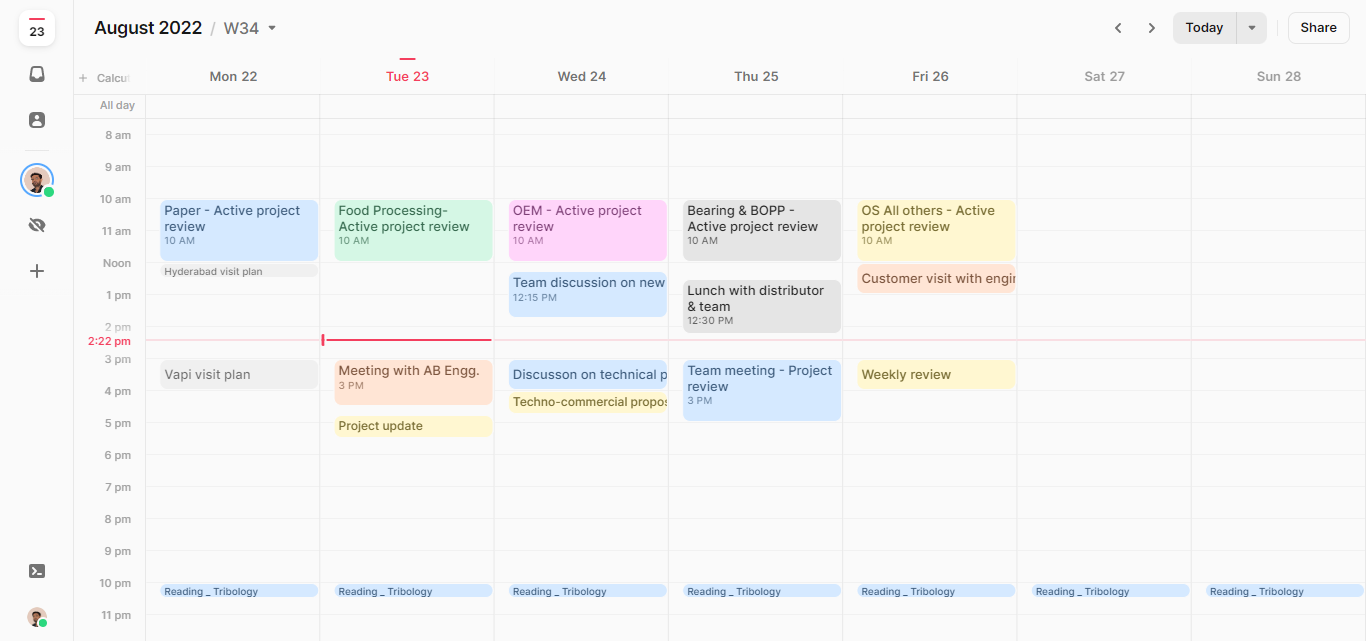
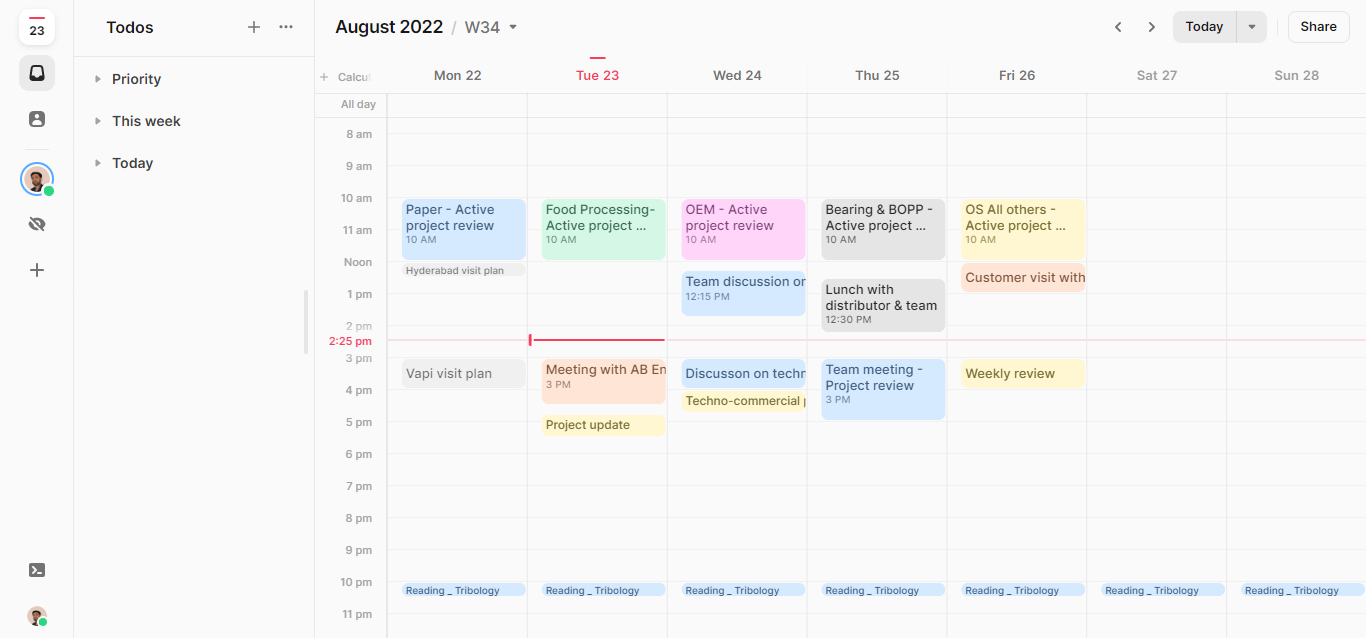
Navigation thru Amie Sidebar Menu offers:
Week at glance, you can view your day, 3 day, 5 day or a week.
To-do list
Contacts